Help & how to use the calculators
A quick guide to getting accurate numbers out of every tool on this site.
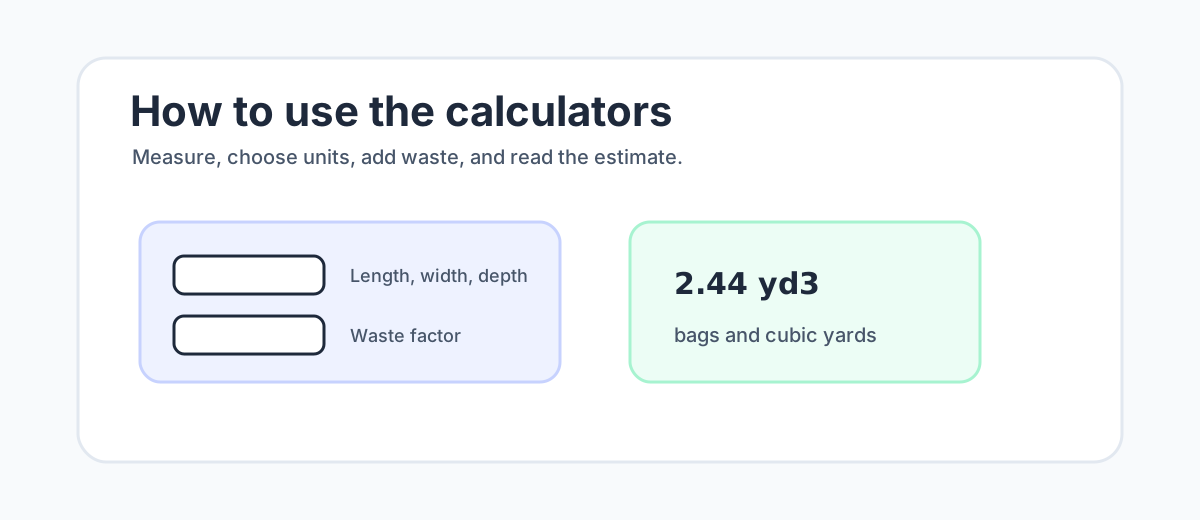
Choosing units
How do I switch from feet to meters?
Use the Imperial / Metric toggle at the top of every calculator. In Imperial, long dimensions are entered in feet and thinner dimensions such as slab thickness or post-hole diameter are entered in inches. In Metric, long dimensions are meters and thin dimensions are centimeters. Switching units converts the values already entered, so you can start in feet and check the metric result without retyping the job.
Why are thickness and diameter not in feet?
Most users measure slab thickness, wall thickness, and post-hole diameter with inches or centimeters, even when length and width are measured in feet or meters. Keeping those fields in familiar units prevents the common error of entering “4” as 4 feet instead of 4 inches. The calculator converts the value internally before running the volume formula.
Waste factor
What waste factor should I use for concrete?
The waste factor adds a margin for spillage, uneven subgrade, over-excavation, mixer residue, and small measuring errors. Ten percent is a safe default for most homeowner and small-crew jobs. Five percent can work for a tightly formed slab on a compacted base. Fifteen to twenty percent is more realistic for rough hand-dug holes, loose soil, thickened edges, or forms that vary in depth.
Can I set waste factor to zero?
You can, but it is usually a risky planning choice. Ready-mix is difficult to top up after the truck leaves, and bagged concrete still rounds to whole bags. If your measured volume is exact, a small waste factor often costs less than stopping a pour short and paying for a second trip, extra bags, or a cold joint repair.
Bags vs cubic yards
How many bags before ready-mix makes sense?
Below roughly one cubic yard, bagged concrete is often convenient because you can buy only what you need and mix on your own schedule. Around one cubic yard, the bag count becomes heavy: about 45 bags at 80 lb or about 60 bags at 60 lb, before any waste factor. Above that, ready-mix delivery often wins on labor, consistency, and reduced cold-joint risk, even if there is a short-load fee.
Why do bag counts always round up?
You cannot buy part of a bag, so the calculators round the bag count up after waste is included. That is why a result such as 12.1 bags becomes 13 bags. For jobs with many small pours, round each separate pour sensibly rather than assuming leftover mix from one location can always be moved to the next.
Pick the right tool
Which concrete calculator should I use?
Pick the page that matches the shape or material problem. Slabs, post holes, bag comparisons, and block walls use different assumptions, so a dedicated tool is more accurate than forcing every job through a general rectangle.
- Slab Calculator — Estimate concrete for slabs, patios, garage floors, and walkways. Get cubic yards, bags, and waste from slab length, width, and thickness.
- Bag Calculator — Calculate how many 40, 50, 60, or 80 lb bags of concrete you need from your dimensions. Compare bag sizes side by side with a waste factor.
- Yard Calculator — Convert your dimensions into cubic yards of concrete with a waste factor and ready-mix ordering notes, so you order the right amount the first time.
- Cost Calculator — Estimate concrete material cost from your bag price or cubic-yard price, quantity, and waste factor. Compare bagged vs ready-mix material cost.
- Slab Cost Calculator — Estimate slab or pad concrete material cost and an optional installed cost from size, thickness, your local price, and waste factor — material vs installed.
- Block Calculator — Estimate concrete blocks, mortar bags, and optional core fill for a block wall from wall length, height, and block size — with a waste factor.
- Post Hole Calculator — Post hole concrete calculator for fence, deck, and mailbox posts. Estimate cubic feet, bags per hole, total bags, waste factor, and frost-depth notes.
- Footing Calculator — Concrete footing calculator for strip and spread footings. Estimate cubic yards, bags, and a waste factor from footing length, width, and thickness.
- Volume Calculator — Concrete volume calculator: convert length, width, and thickness into cubic feet, cubic yards, and cubic meters, with the formula and a waste factor.
- Pad Calculator — Concrete pad calculator for small pads — AC, generator, shed, and hot-tub pads. Estimate bags, cubic feet, and yards from pad length, width, and thickness.
Troubleshooting results
Why does my concrete estimate look too high?
Check unit mix-ups first. A common mistake is entering inches as feet, centimeters as meters, or diameter where a calculator expects radius. Next, confirm quantity, waste factor, and actual form depth. A slab that is 4.5 inches deep instead of 4 inches uses about 12.5% more concrete before waste, so small depth changes can look like a large jump in the final result.
Why did the calculator clear the result?
A result disappears when a required dimension is missing, zero, negative, or outside the allowed range. Fix the field with the validation message, then the estimate will return automatically. If the numbers still look wrong, send the calculator name, unit system, dimensions, quantity, and waste factor through the contact page.